Maperivo design and production tools.
Compare what every active tool creates. Open its explanation page first; registration comes only after you choose “Start free”.
Three tools, one account
One login opens all three. Each tool exports production files for a different machine: a laser cutter or a 3D printer.
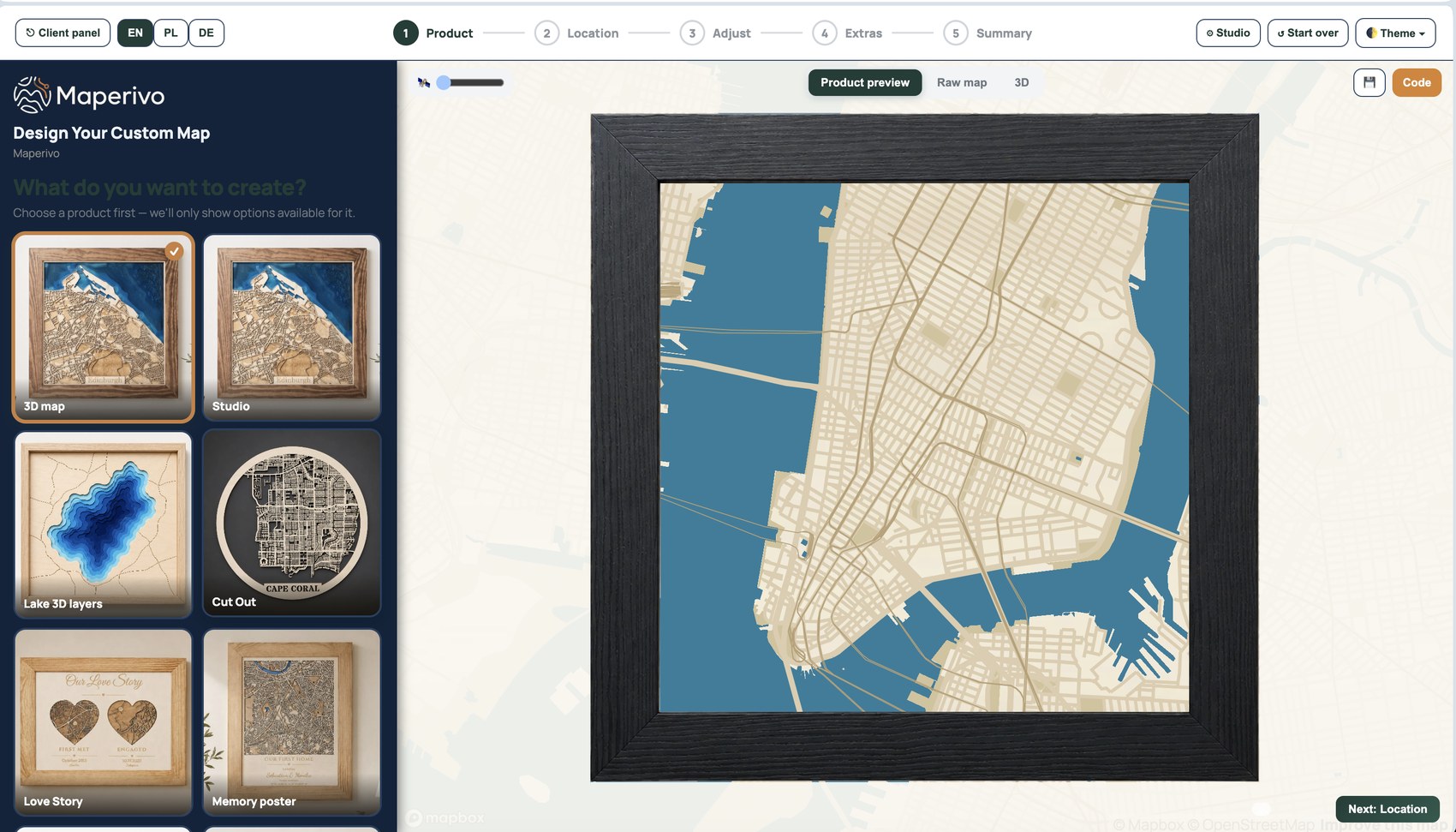
Laser Map Designer
Choose a real place, define the map area and prepare clean production layers for a laser-cut or engraved physical map.
See what it does →3D Printable Map Generator
Create a dimensional model from real geography, terrain and buildings, then review the printable geometry before export.
See what it does →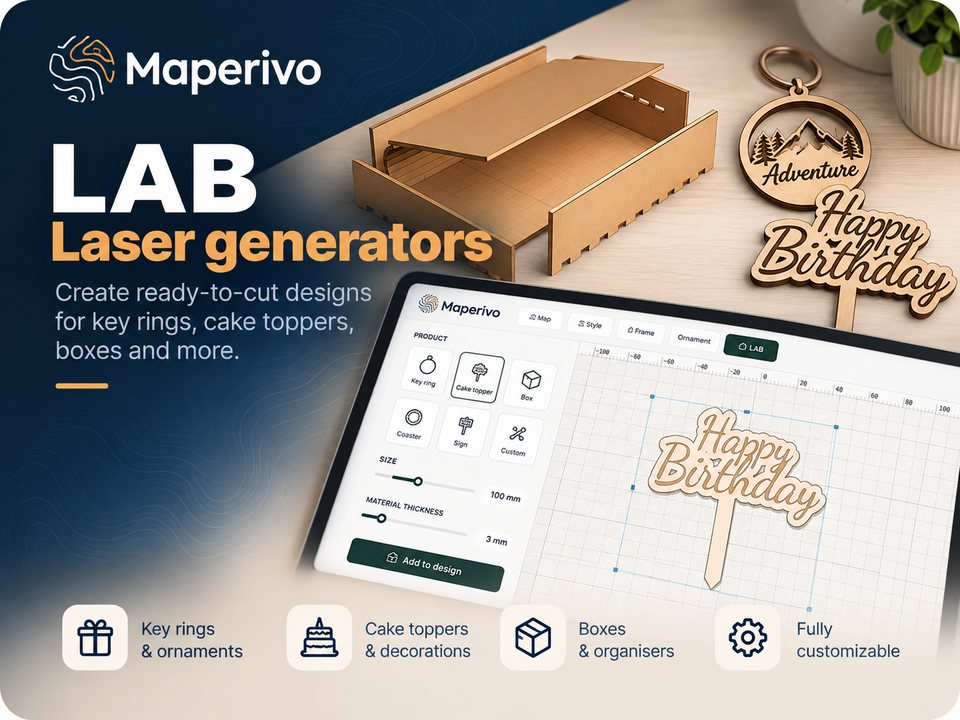
Maperivo LAB
Create boxes, cake toppers, ornaments, pet tags and other personalized laser products from focused generators inside one LAB.
See what it does →Which tool for which product?
Start from the thing you want to hand to a customer. The style you choose decides how many sheets you cut or which model you print, so pick the product first and the place second.
Laser Map Designer: 3D map style, one SVG per sheet
Laser Map Designer: Lake 3D layers with real depth data
Laser Map Designer: Love Story with up to four places
3D Printable Map Generator: STL or 3MF
Maperivo LAB: box and cake topper generators
Maperivo LAB: ornament and pet tag generators
What every tool includes
- A preview of the finished product before you export
- Files in real millimetres, ready for LightBurn, xTool Creative Space or your slicer
- Commercial use on every plan, including Free
- A 14-day trial with every style and 50 maps, no card required
- English, Polish and German interface
Not sure which tool fits?
Start with the physical product you want to make.
Compare the three product paths