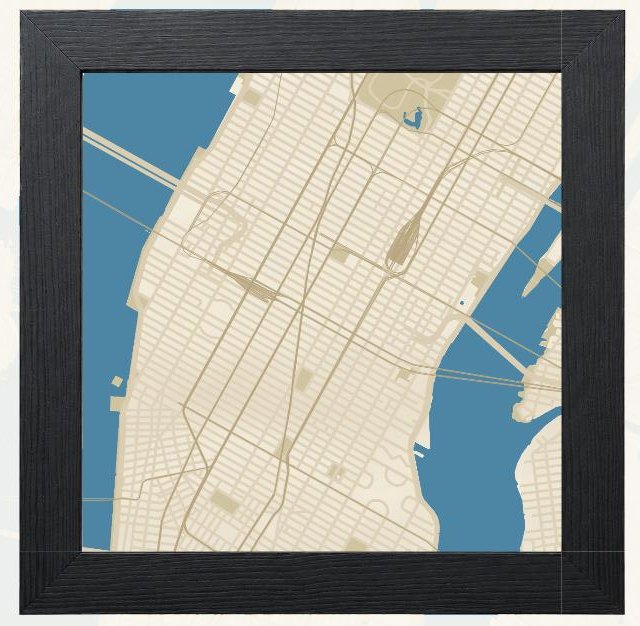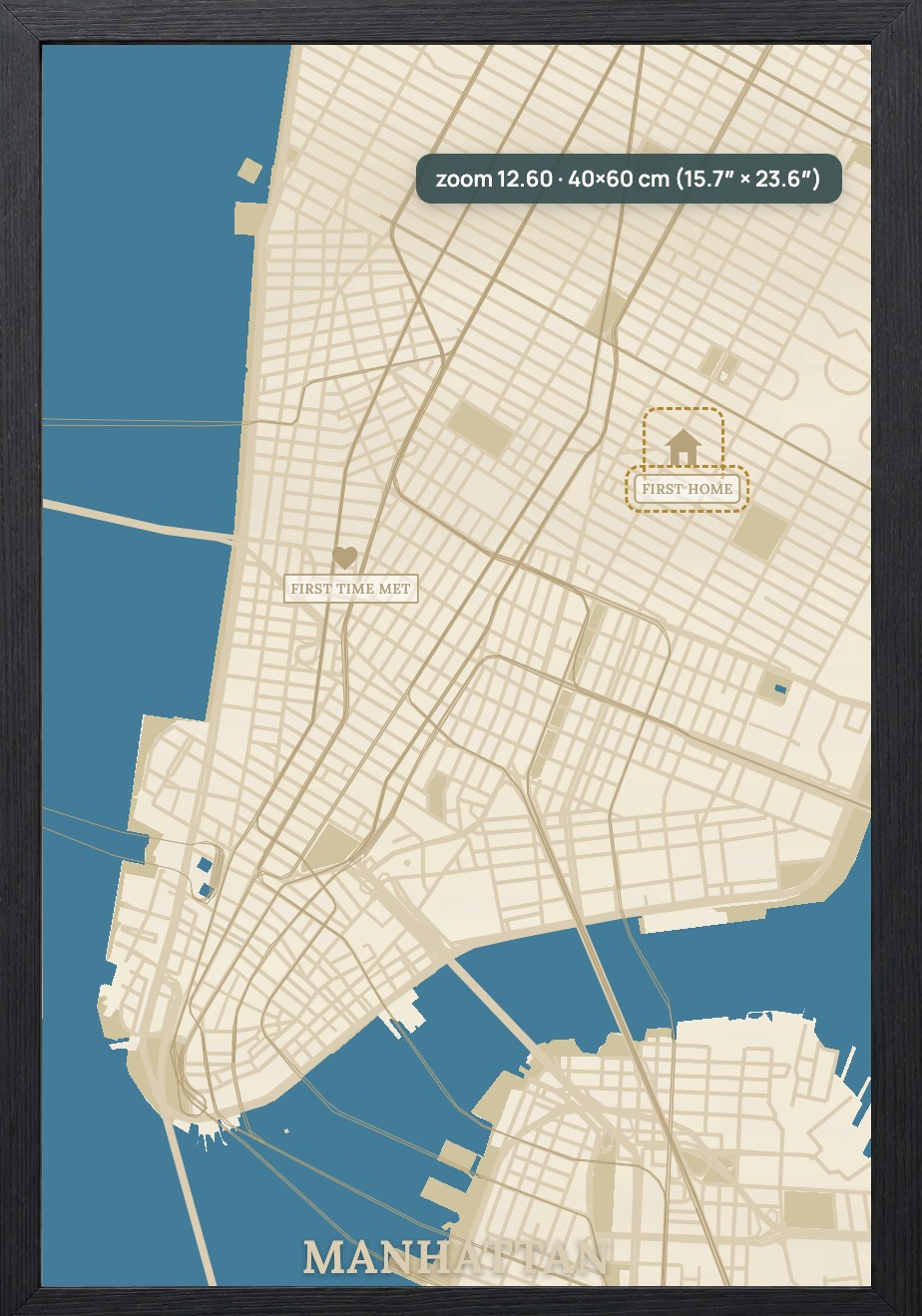
Ready-made products, not empty map files.
Use complete templates with the frame, layout, title, labels, pins and named production layers already prepared.

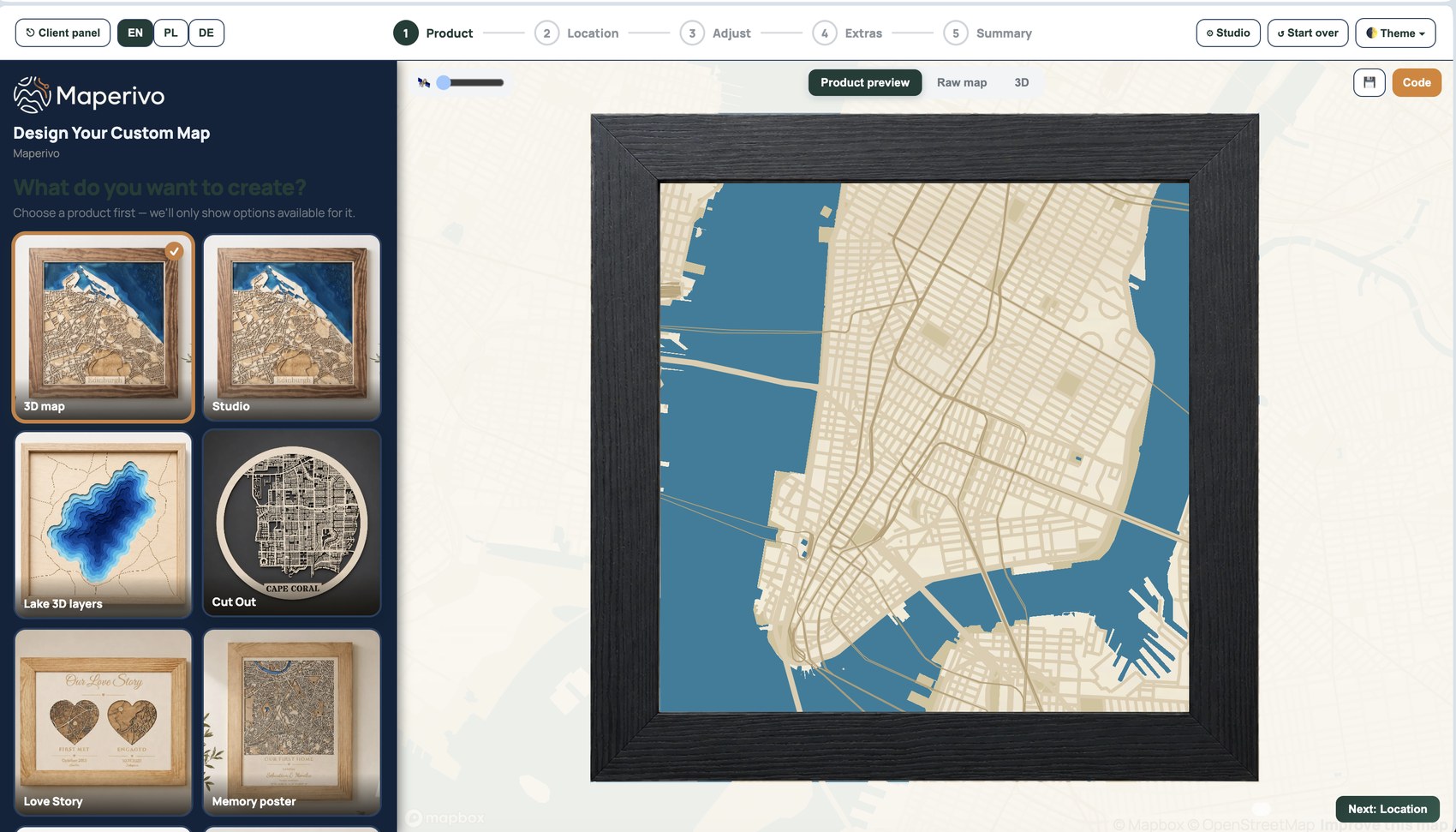
Maperivo creates complete map products — not just raw street files. Add labels, pins and text, inspect every layer in 3D, then export a production-ready SVG for your laser workflow.
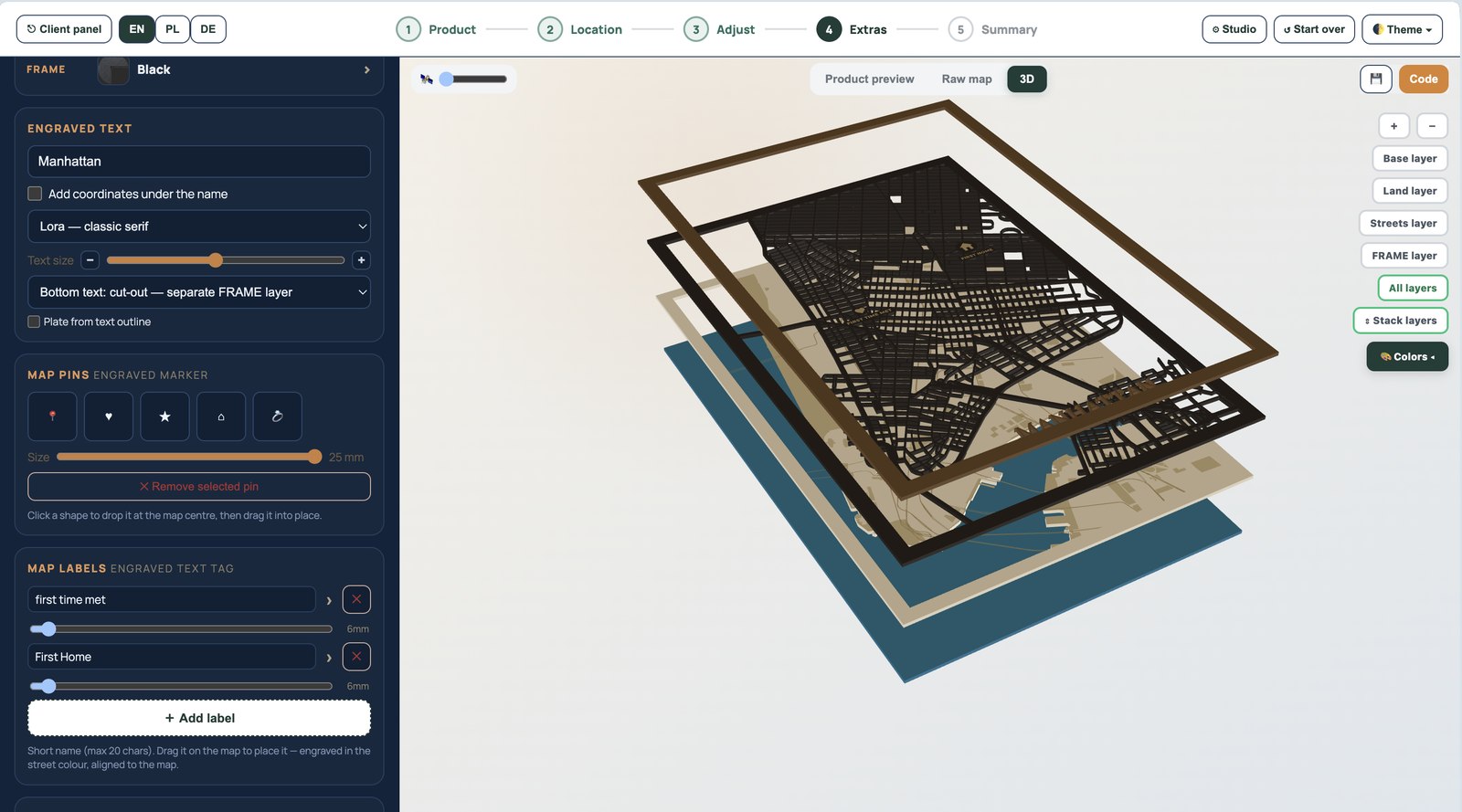
Start with a location and finish with a personalised item your customer can understand, preview and buy — with the map, title, labels, pins, frame and production layers already working together.
One consistent workflow from the first map search to the final production file.
Use complete templates with the frame, layout, title, labels, pins and named production layers already prepared.
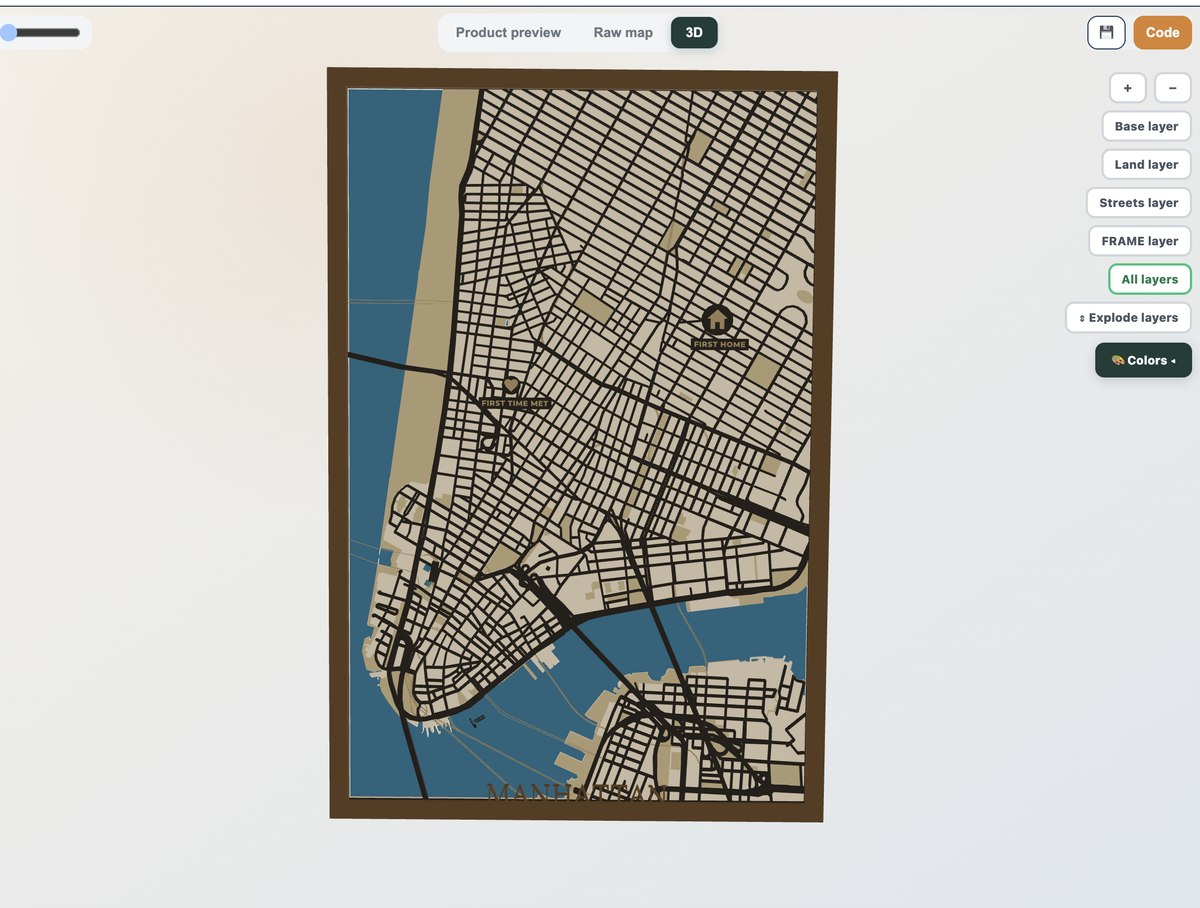
Rotate the map and separate the layers with exploded view to spot a problem before it costs material.
Share a project link or place the designer on your store. The customer personalises it; you receive the project.
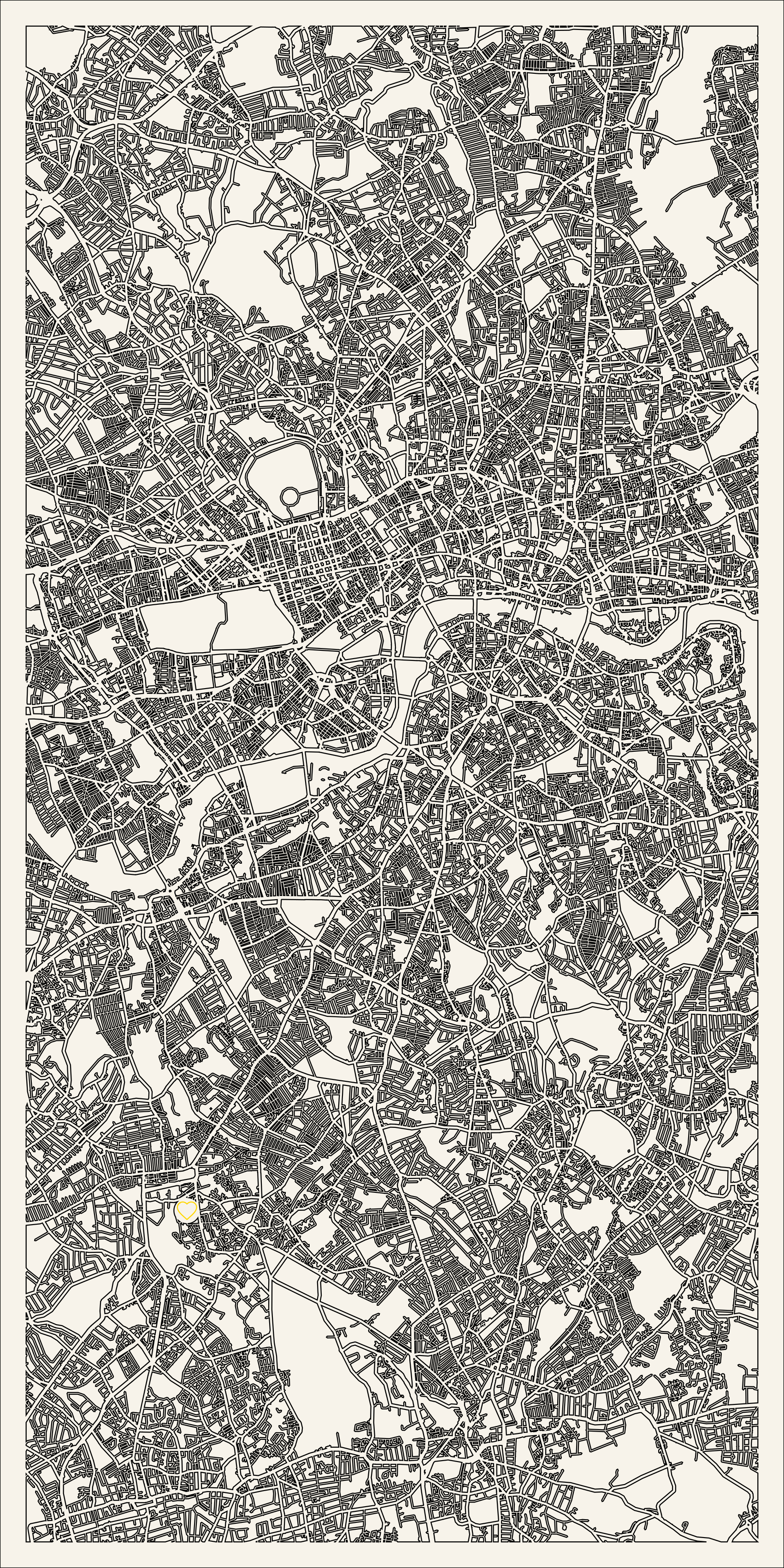
Control the product size and street treatment around real production dimensions, helping busy centres remain readable and practical to make.
Search any city or address, set the exact map area and select your product size.
No GIS knowledge neededSelect a ready style, then add names, labels, pins, dates, routes or other product details.
Live product previewReview the stack in 3D and export the layered SVG to continue in your laser software.
Production layers includedChoose a template, customise the location and story, and turn it into an offer for your shop, market stall or next family gift.

Streets, water, frame, labels and pins organised as a complete multi-layer product.

Layered depth contours for lakes, coastlines and oceans — a true bathymetric keepsake product.

A bold single-layer cut-out of your city's streets, coastline and rivers.

Three places and three moments combined into one consistent personalised product.

A practical new-home product with the map, address and personalisation in one design.

Build one continuous map composition across several boards for larger wall products.
Busy centres can become a fragile tangle when every street is treated the same. Maperivo gives you control over production dimensions and the treatment of fine road detail.
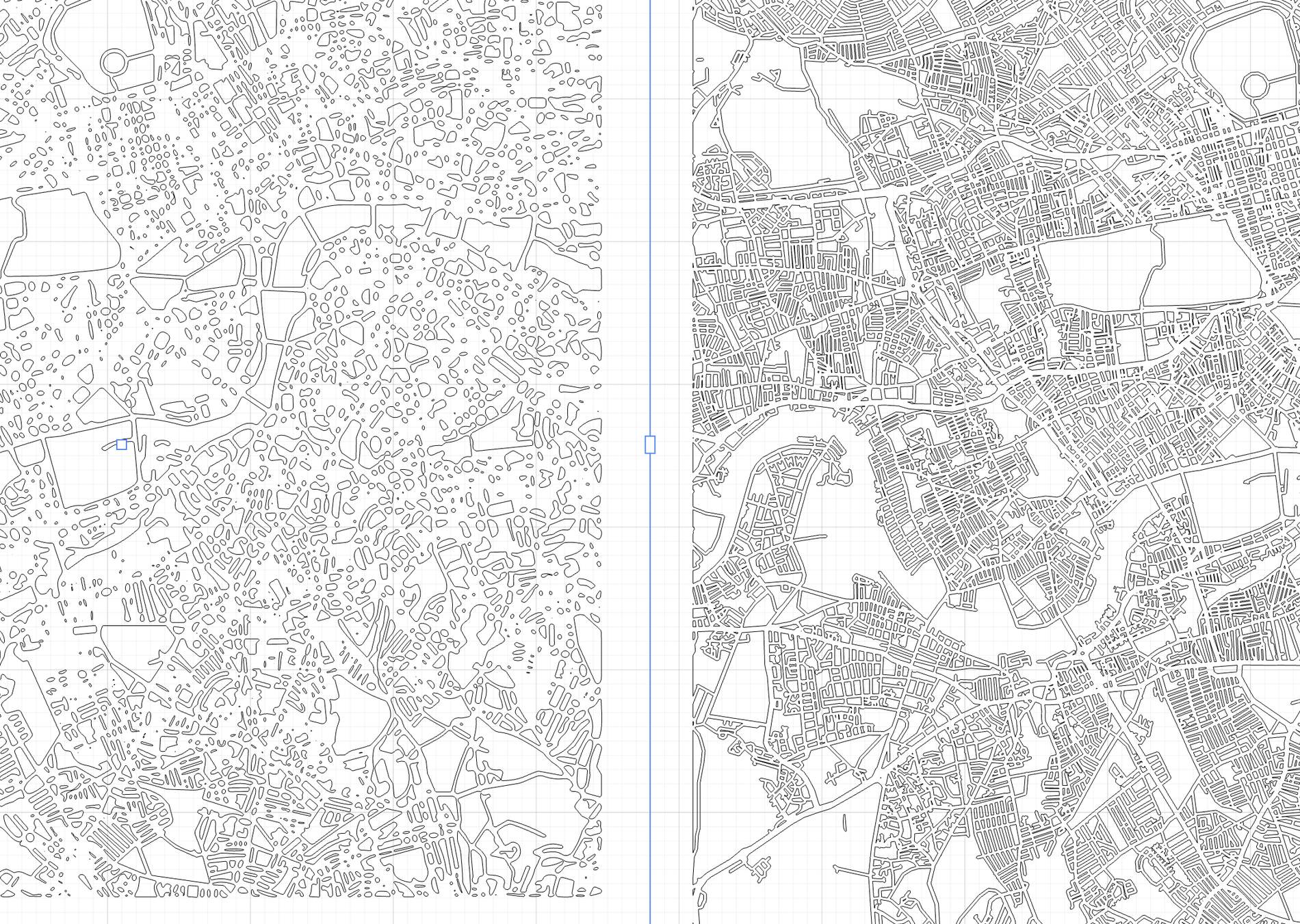 Typical trace
Maperivo
Typical trace
Maperivo
Place the map designer into your buying journey or share a direct project link. Customers choose the location and personalisation while your team receives a saved design prepared for production.
A first family gift, a new product line or a full customer-facing store workflow.
Create a polished map without learning GIS or tracing every road manually.
Make your first map →Add personalised maps, routes and location gifts to your product range.
Explore products →Reduce repetitive design work and prepare more custom orders in less time.
Speed up your workflow →Let customers personalise the map while your team receives the project.
See store options →| Capability | Maperivo | Basic map generator | Manual workflow |
|---|---|---|---|
| Complete ready-made product templates | Included | Usually map only | Build manually |
| Labels, pins and text integrated | Included | Limited or separate | Place manually |
| Interactive layered 3D preview | Included | Often unavailable | Unavailable |
| Production-ready layered SVG | Included | Varies by tool | Prepare manually |
| Topographic and route products | Included | Varies by tool | Separate workflow |
| Customer-facing store designer | Available | Usually unavailable | Unavailable |
“I built Maperivo because custom map orders were taking too long to prepare — and the existing workflow stopped at the map instead of finishing the product.”
The platform is being developed from real laser-map production experience, with beta feedback directly shaping new products and features.
Maperivo is an online laser map creator and layered SVG generator. It helps creators turn a location into a complete personalised map product with streets, water, labels, pins, text and production layers.
No. The workflow is designed for laser makers and beginners: choose a location, select a product style, personalise it, inspect it and export the project.
Yes. Maperivo exports SVG files for laser workflows. The final setup can still depend on your machine, material and preferred LightBurn layer settings, so always verify the project before cutting.
Yes. Commercial use is included for the products you manufacture from your generated projects, subject to the current Maperivo terms and applicable map-data attribution requirements.
Store plans are designed for customer-facing personalisation. The exact implementation can be adapted around your products, branding and order workflow during the beta stage.
Registration is free, no payment card is required, and the trial includes 50 map exports over 14 days. After that Starter is $10/month with unlimited maps.
Start with 50 free map exports over 14 days — the full tool, no card.
Start creating for free