Best map generator for laser cutting (2026)
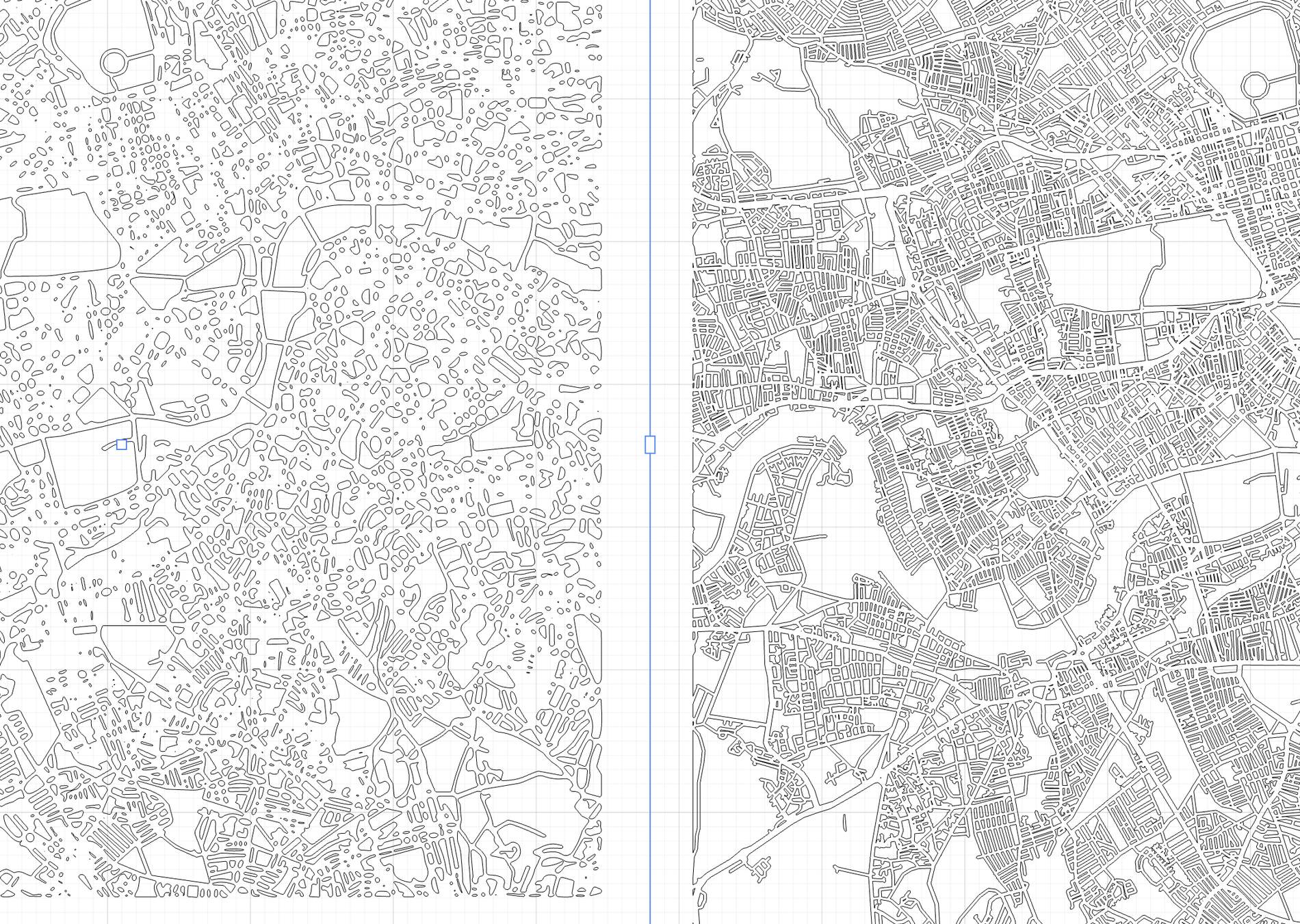
If you cut or engrave maps, the tool you choose decides how much time you spend cleaning files versus making product. Here is an honest checklist for picking a map generator for laser cutting in 2026 — and where Maperivo fits.
What actually matters in a laser map generator
- Real cut widths. Does the tool show true millimetre street widths for your board size, or just an on-screen picture? If widths are not real, you are guessing at the machine.
- Named production layers. You want CUT / ENGRAVE / WATER on separate, named layers that open in your software without re-sorting paths by hand.
- Dense-city handling. Busy centres are where cheap traces fall apart into thousands of fragile slivers. Good tools keep them coherent and let you turn thin roads into scores.
- Filled parks and clean water. Green areas should be filled shapes that engrave cleanly, not double outlines.
- A 3D preview. Seeing the layer stack before cutting saves material.
- Complete product styles. 3D layered, cut-out, lake depth, love story, route and split maps — so you sell products, not just files.
- A way to sell. The best tools let your customers design on your own store and hand you the finished cut file.
Where Maperivo fits
Maperivo is a laser map creator built around all seven points above. It renders at real millimetre scale, exports named CUT/ENGRAVE/WATER layers, keeps dense cities cuttable, fills parks, previews in 3D, ships every major product style, and — uniquely — lets your customers design a map on your store while you receive a laser-ready, layered SVG with the order.
The one map designer your customers use on your store that gives you a laser-ready, layered cut file.
How to choose
If you only ever cut your own designs, any generator that produces real, layered files will do — check widths, layers and dense-city output first. If you want to sell personalised maps without designing each one, you need the store-embed workflow, which is the gap Maperivo was built to fill. Try it free (50 maps in 14 days, no card) and compare the exported file against whatever you use today.
Related reading: the layered map SVG generator, the store designer for laser businesses, and how to sell laser-cut maps online.
Frequently asked questions
Everything makers and stores ask before their first laser-ready map.
What is the best map generator for laser cutting in 2026?
The best tool renders at real millimetre widths, exports named CUT/ENGRAVE/WATER layers, keeps dense cities cuttable, fills parks, previews in 3D and offers complete product styles. Maperivo does all of these and additionally lets customers design on your store while you receive the layered cut file.
What makes Maperivo different?
It is the only map designer you embed in your own store that outputs a laser-ready, layered cut file — combining a maker's generator with a store customizer, at a flat price with 0% commission.
Is there a free way to try it?
Yes. The free trial is 14 days and 50 maps with no card, so you can compare the exported layered SVG against your current tool.
Turn your next location into a laser-ready product.
Free 14-day trial: 50 maps, no card. Commercial use included.