How to make a map of your hometown
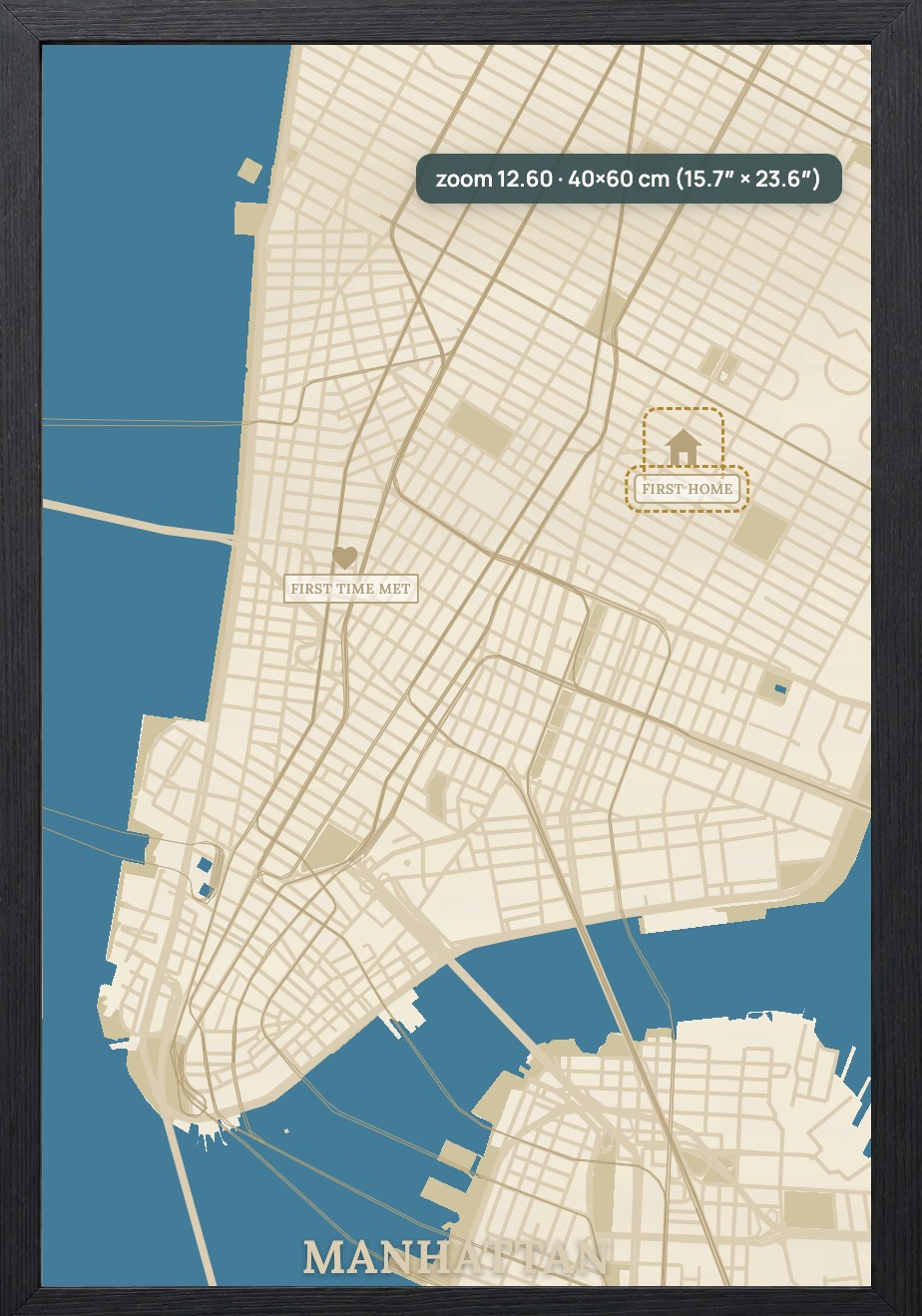
A map of the place you grew up - or your first home - is one of the most meaningful things you can make on a laser. Here is how.
1. Search your town or street
Type your hometown, neighbourhood or exact street address. Centre the map on the part that means the most.
2. Set the size and style
Choose a board size and a look - a 3D layered map for depth, or a cut-out for a bold silhouette.
3. Mark the meaningful spot
Drop a pin on your street and engrave a label - "Our first home", a family name, or coordinates.
4. Export and cut
Export the layered SVG and cut it on your laser, or send it to a maker. In minutes you have a personal keepsake.
Looking for a specific city guide? Browse laser-cut city maps or start from how to make a layered wood map.
Frequently asked questions
Everything makers and stores ask before their first laser-ready map.
Can I make a map of my exact street?
Yes. Search your street address, centre the map and drop a pin on the spot, then engrave a personal label.
Do I need a laser to make one?
To cut it yourself, yes - otherwise export the layered SVG and send it to a maker or use a store that offers the design.
Turn your next location into a laser-ready product.
Free 14-day trial: 50 maps, no card. Commercial use included.