SVG vs DXF for laser cutting
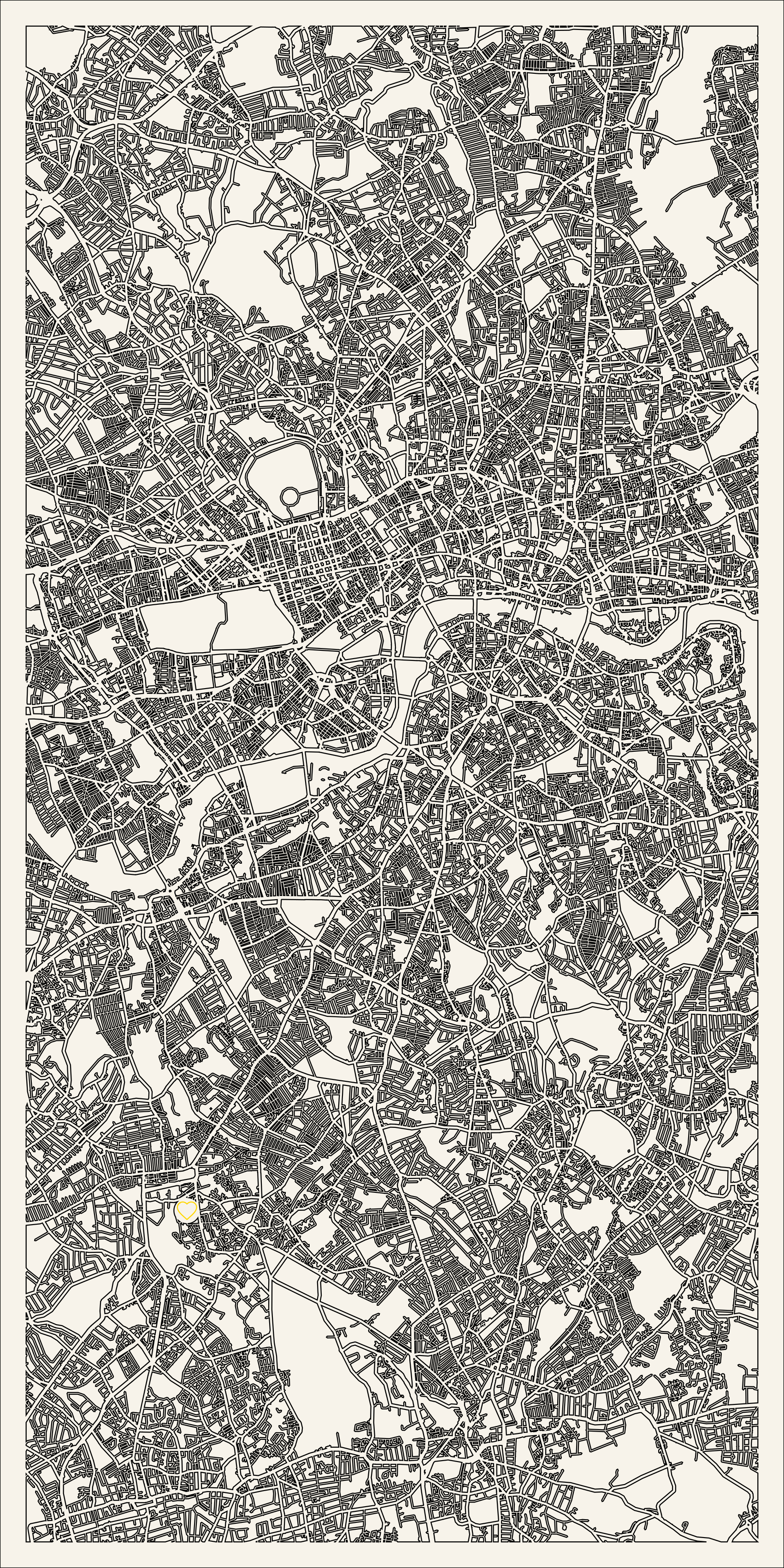
Both SVG and DXF drive lasers, but they behave differently - especially for maps, which mix cut lines with engraved fills.
SVG
SVG carries named layers, fills and colours, so a map's parks and labels can engrave and its streets can cut, all from one file. It is the native format for LightBurn, xTool Creative Space and Glowforge, and the default Maperivo export.
DXF
DXF is a CAD line format - great for pure vector cuts, widely supported in engineering tools, but it has no real concept of fills or raster engraving. For a map with engraved parks and labels, DXF alone loses that detail.
Which should you use for maps?
Use SVG for maps: it keeps CUT / ENGRAVE / WATER on named layers and preserves fills. Reach for DXF only if a specific machine or shop pipeline requires it - Maperivo can provide DXF on request.
Avoiding conversion headaches
Exporting a clean, layered file from the start beats converting a messy one later. See cut vs engrave layers and how to laser cut a map.
Frequently asked questions
Everything makers and stores ask before their first laser-ready map.
Is SVG or DXF better for laser-cut maps?
SVG, because it keeps named layers and fills so parks and labels engrave while streets cut. DXF is line-only and loses engraving detail; use it only if your pipeline requires it.
Does Maperivo export DXF?
Maperivo exports a layered SVG by default and can provide DXF on request.
Turn your next location into a laser-ready product.
Free 14-day trial: 50 maps, no card. Commercial use included.