Make and sell laser-cut maps.
Practical guides for makers and stores — from your first layered wood map to a store full of custom map orders.
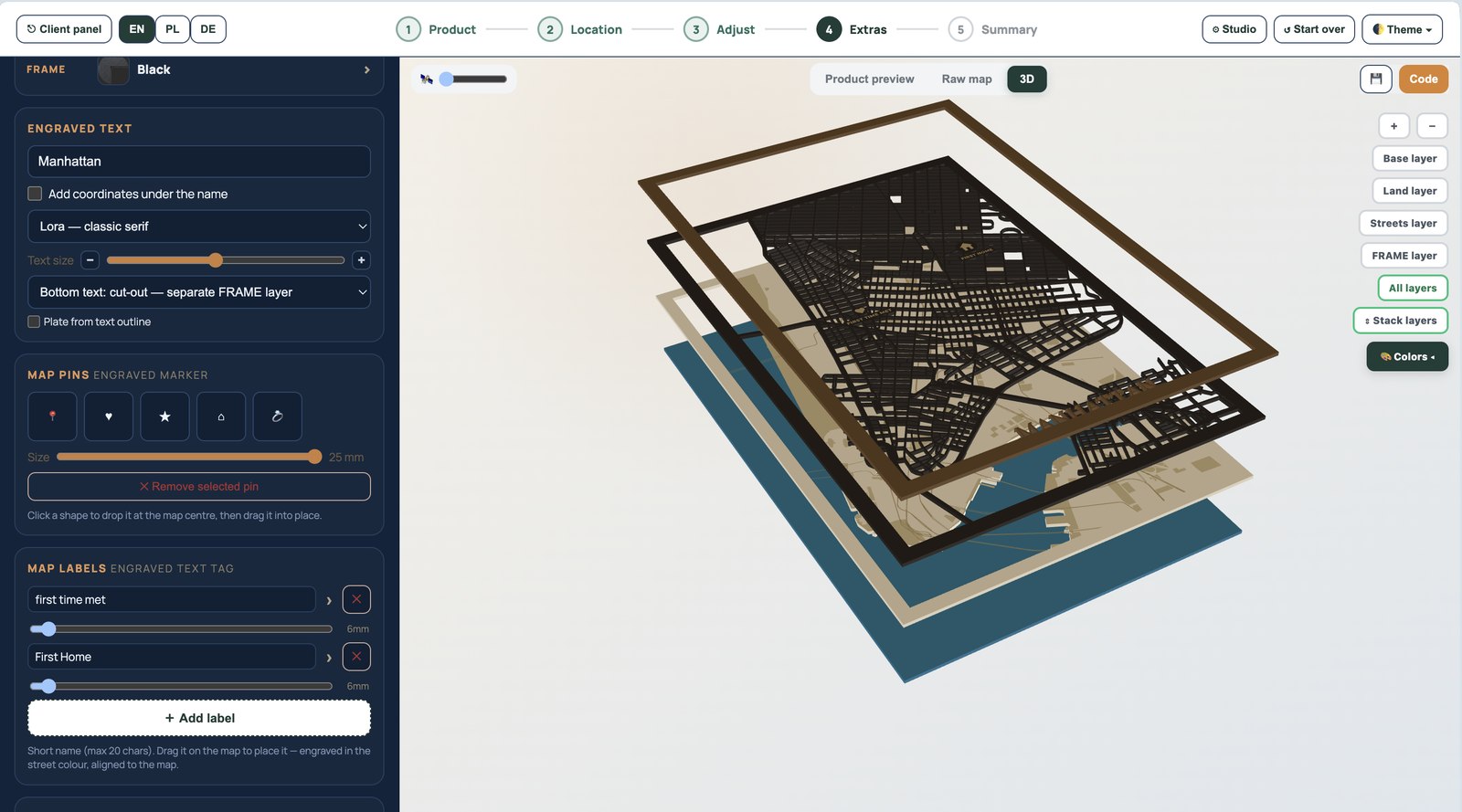
How to make a layered wood map (for laser)
A step-by-step guide to making a layered wood map for laser cutting: choose a city, set real scale, separate CUT/ENGRAVE/WATER layers, preview in 3D and cut.
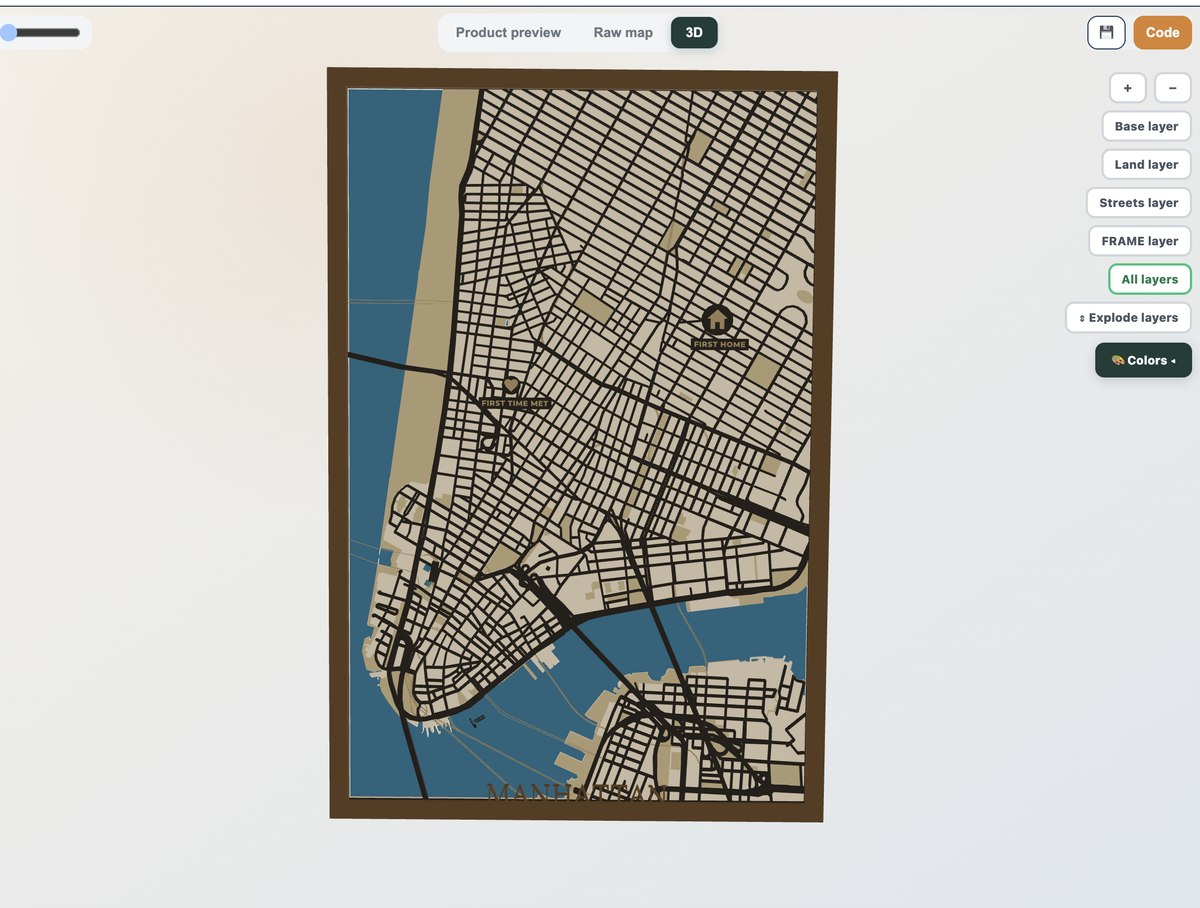
How to laser cut a map, step by step
Laser cut a map the reliable way: get a layered SVG with named CUT/ENGRAVE/WATER layers, set cut vs engrave, order operations and finish. Works with LightBurn, xTool and Glowforge.

How to sell laser-cut maps online
A practical guide to selling laser-cut maps online: pick products, price for margin, take custom orders without designing each one, and let customers design on your store.

Best laser products to sell in 2026
The most profitable laser-cut products to sell in 2026, and why personalised maps lead: gift intent, high margins and repeatable custom orders without per-order design time.
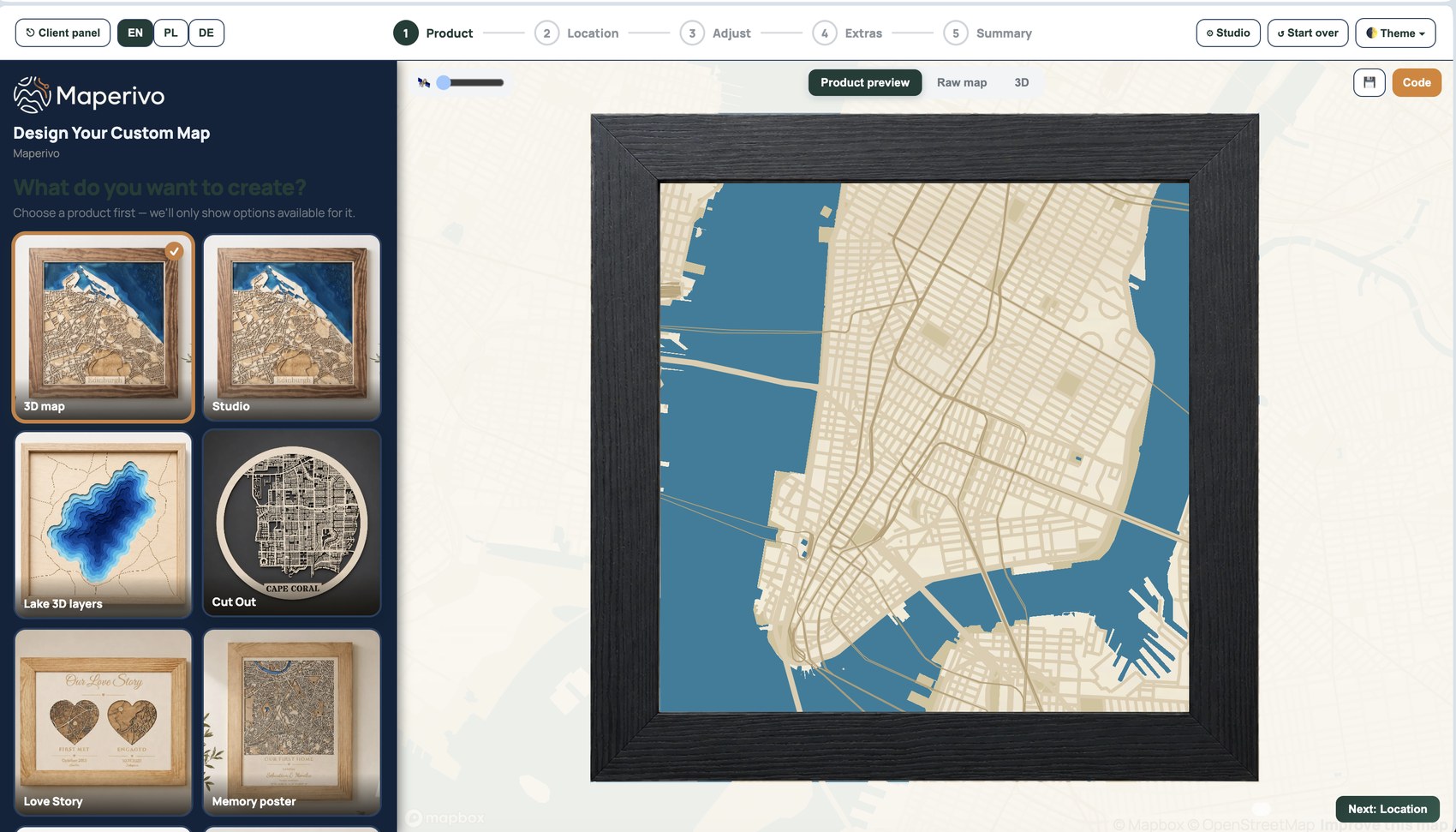
How to add a map designer to your Shopify store
Add a live map product designer to your Shopify, WooCommerce, Wix or Squarespace store so customers personalise their map and you receive a laser-ready, layered SVG per order.
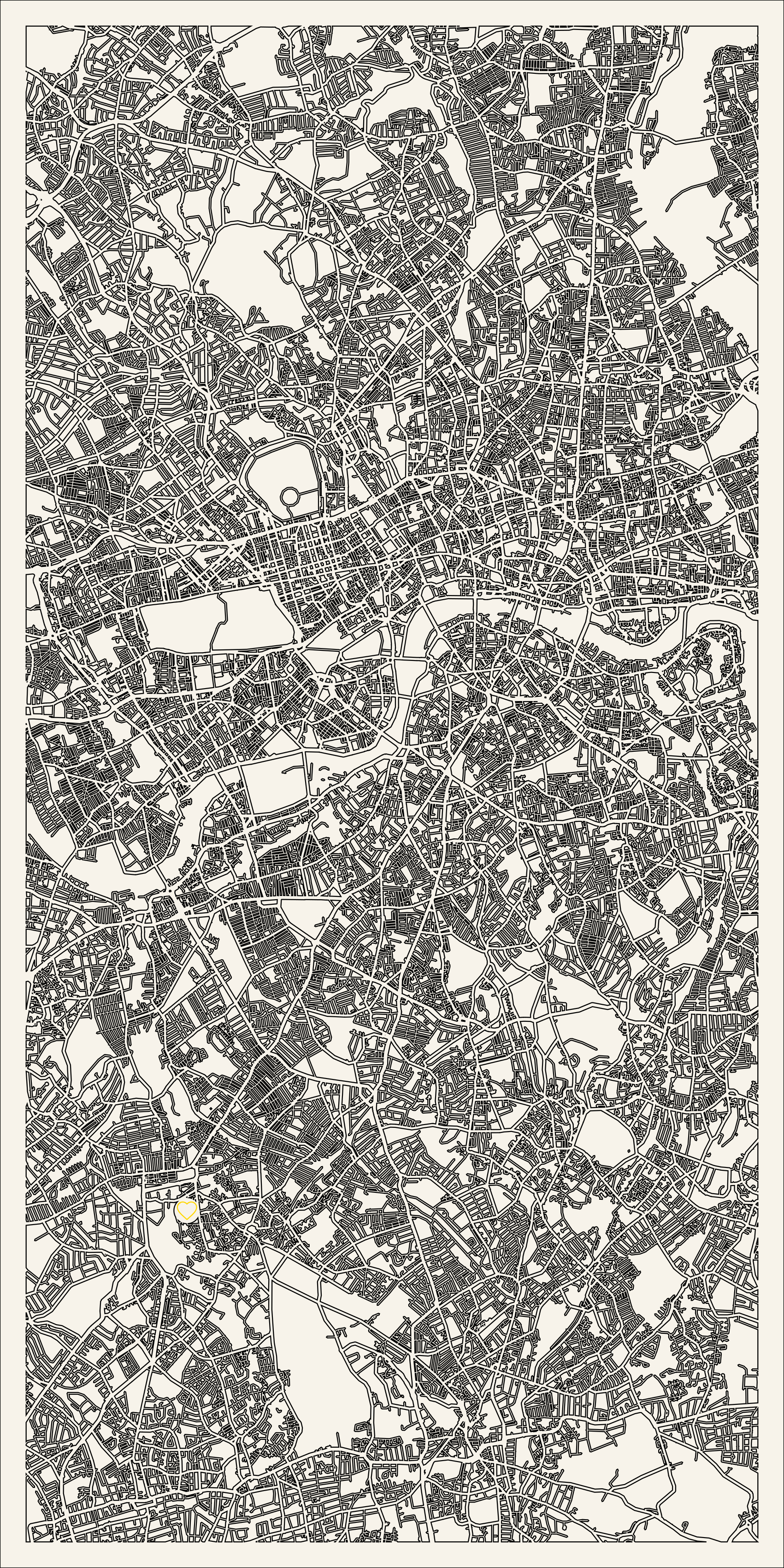
Cut vs engrave layers, explained
Understand cut, engrave and score layers for laser maps: what each does, how to assign them in LightBurn and xTool, and why named CUT/ENGRAVE/WATER layers save cleanup.

How to price custom map products
A simple framework to price custom laser-cut maps for profit: cover materials and machine time, charge for personalisation, and use tiers by size and style.
How to make a 3D city map
Make a dimensional 3D city map: stack streets, land and water into layers, preview in 3D and export named cut layers. Step-by-step for LightBurn, xTool and Glowforge.

How to make a lake depth map
Make a layered lake depth map: turn bathymetric contours into stacked cut layers for any lake, bay or coastline, then finish with paint or resin water.
How to make an anniversary map
Make a personalised anniversary or love story map: combine the places where you met, got engaged and married on one board, with names, dates and pins.
Best wood & materials for laser-cut maps
Which materials work best for laser-cut maps: plywood, basswood, MDF, acrylic and veneers - thickness, contrast and finishing tips for layered and cut-out maps.
LightBurn settings for laser maps
Set up a laser map in LightBurn: import the layered SVG, assign cut, engrave and score to named layers, order operations and dial in settings for clean maps.
SVG vs DXF for laser cutting
SVG or DXF for laser-cut maps? How the formats differ for layers, engraving and software support, and why a layered SVG is the safest default for map files.
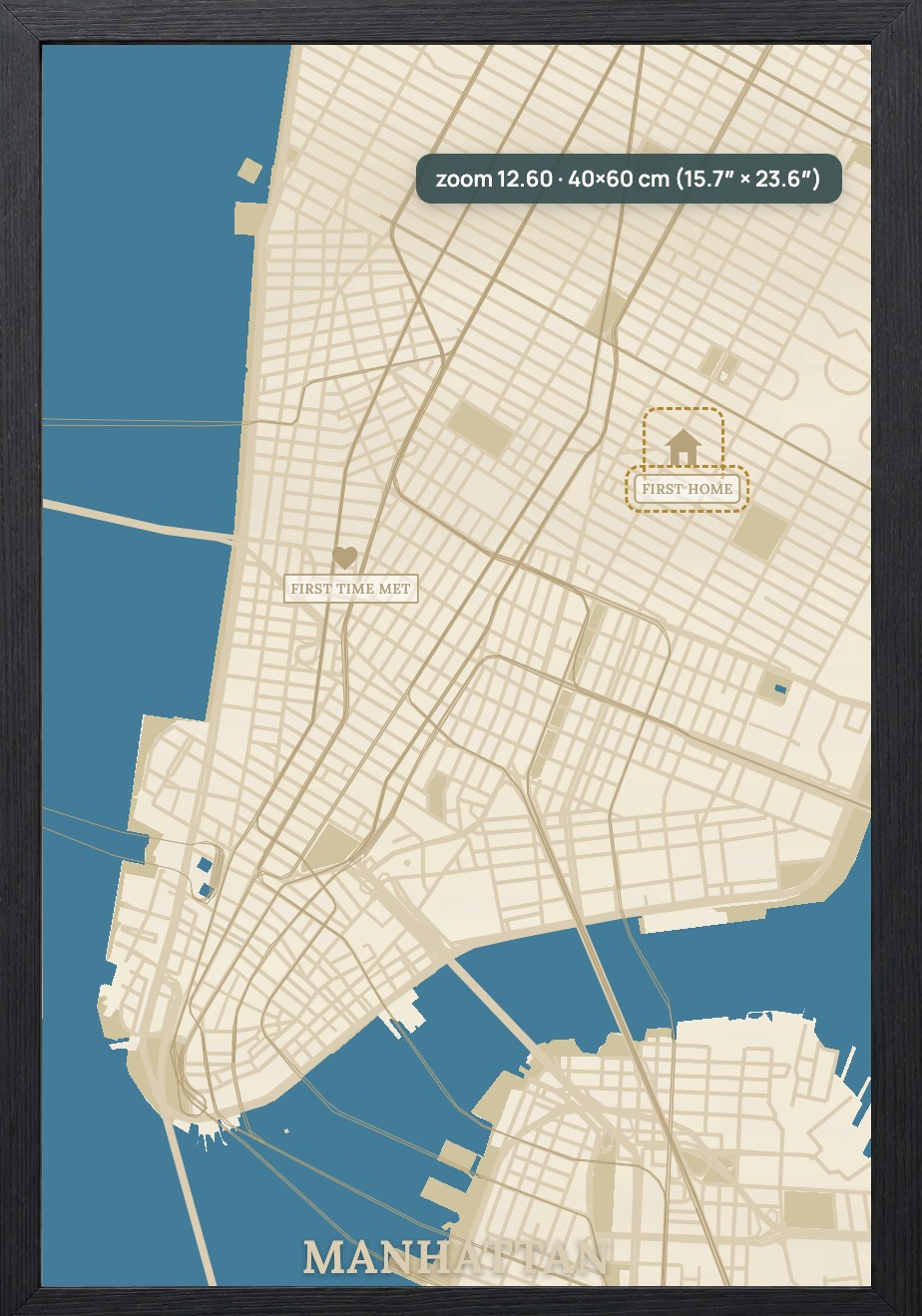
How to make a map of your hometown
Turn your hometown into a laser-cut keepsake: search your town or street, set real scale, pick a style, add your address and export a layered SVG ready to cut.
Custom map gift ideas
Custom map gift ideas people love: hometown maps, anniversary love-story maps, lake maps, marathon route maps and new-home key holders - all laser-cut and personalised.
Turn your next location into a laser-ready product.
Free 14-day trial: 50 maps, no card. Commercial use included.